About us
Resources
Console
50 Mbps
50 Mbps
100 Mbps
200 Mbps
500 Mbps
Custom
We Accept the Following Payment Methods
Why Choose ZooProxy Unlimited Traffic Bandwidth Plans
Choose the bandwidth capacity and session setup that fit your workload, with flexible options for different transfer and connection needs.
This section covers common issues you may encounter during use, and you can independently refer to it for assistance in efficiently conducting your business
An unlimited traffic Bandwidth Plan gives you access to residential IP proxies with your choice of Mbps capacity and plan duration, while traffic is not billed by the GB. It is better suited to tasks with larger data volumes or longer run times.
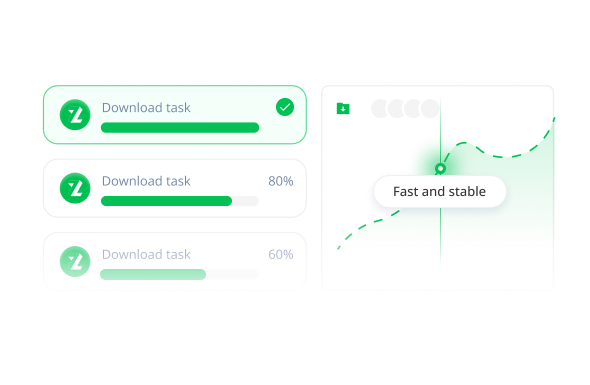
Choose based on how much data your tasks transfer and how many requests need to run at the same time. Higher Mbps plans are better suited to larger data volumes and higher concurrency.
No. Unlimited traffic means there is no limit on how much traffic you can use, while bandwidth determines how much data can be transferred at a time. You can use as much traffic as needed, but your bandwidth capacity is still determined by the 50, 100, 200, or 500 Mbps plan you choose.
Both are unlimited-traffic residential proxy plans, but they allocate resources differently. A Bandwidth Plan is based on overall Mbps capacity, while a Port Plan is based on the number of ports, with each port used independently. Choose a Bandwidth Plan if data transfer capacity matters more; choose a Port Plan if you need to run more simultaneous connections.
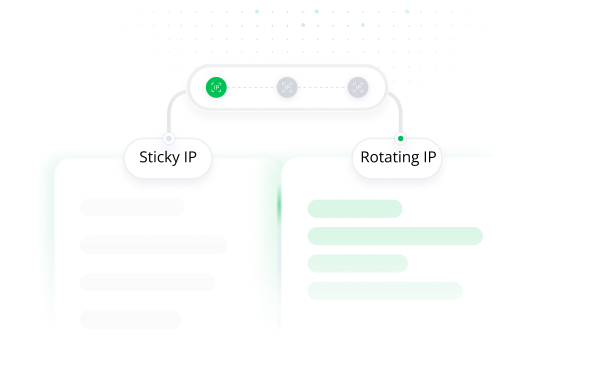
Learn more about our Port Plan → Learn more about our Port Plan →Yes. Use rotating sessions for more frequent IP changes, or keep the same IP for up to 120 minutes when your task needs continuity.
Yes. Choose from the locations available with your selected plan and use residential IPs from the regions your task needs.
ZooProxy supports HTTP, HTTPS, and SOCKS5 proxy protocols.
Sign up or log in, choose a bandwidth tier and plan duration, and complete your purchase. Then configure the connection in the dashboard and connect your preferred tool. Need help? 7×24 technical support is available.